
Best Seller Icon Bestseller

CERTIFICATE In COMPUTER APPLICATION(S-CA-5156)

  • Last updated Apr, 2026
  • Certified Course
₹12,000 ₹18,000

Course Includes

  • Duration6 Months
  • Enrolled2
  • Lectures132
  • Videos0
  • Notes0
  • CertificateYes

What you'll learn

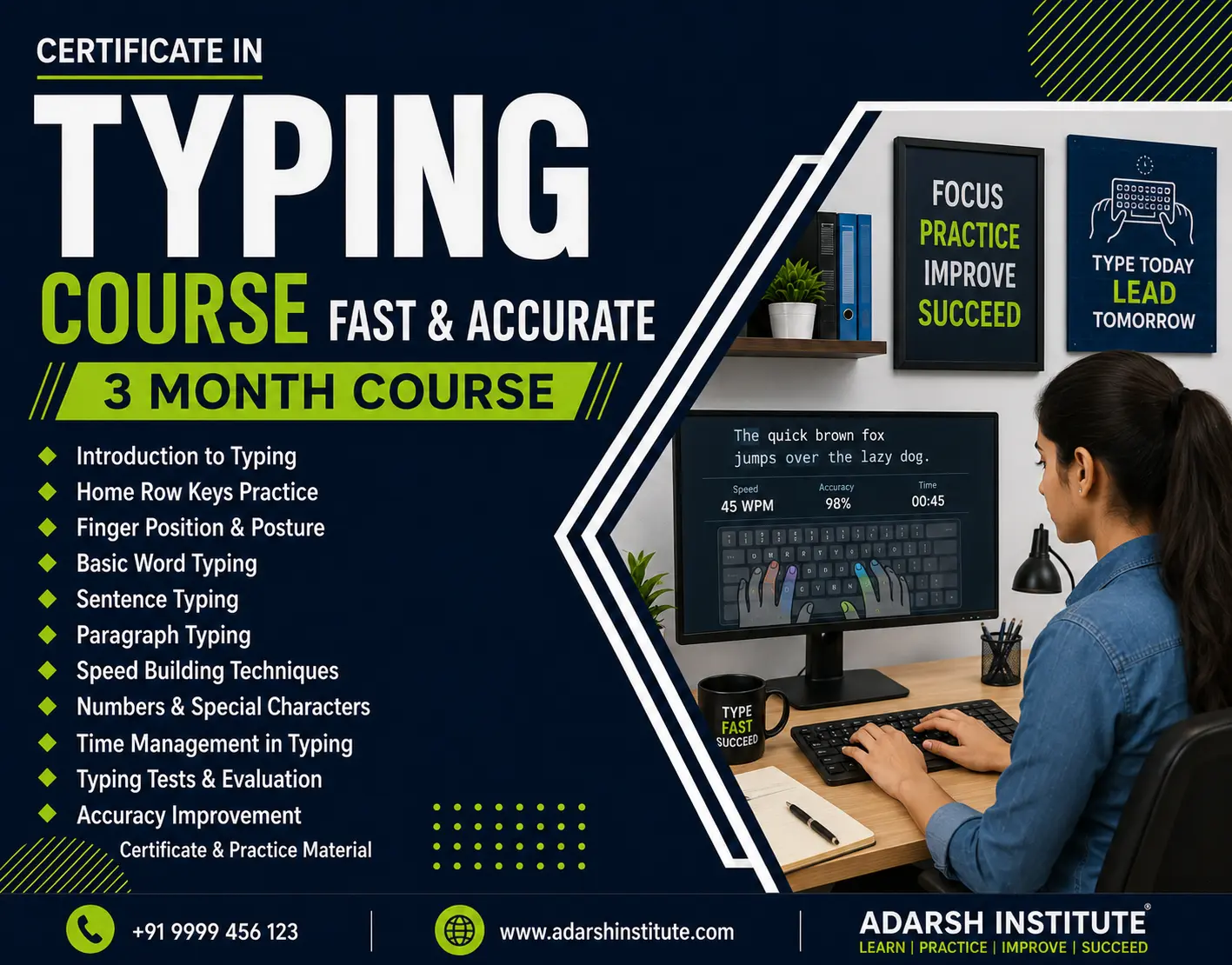
The Certificate in Computer Applications (CCA) is a 6 month foundational IT course designed to provide practical skills in computer operations, MS Office suite (Word, Excel, PowerPoint), internet basics, operating systems & Tally. Targeted at beginners, job seekers, and professionals, this course enhances employability in administrative, data entry, and office support roles also includes AI Tools .

Show More

Course Syllabus

CONTENTS

BASIC :

Module 1: Introduction to Computer


  • Basic components:
  • Input devices (Keyboard, Mouse, Scanner)
  • Output devices (Monitor, Printer, Speaker)
  • CPU (ALU, CU)
  • Memory:
  • Primary (RAM, ROM)
  • Secondary (Hard Disk, Pen Drive)


Module 2: Operating System (Windows Basics)


  • Basics of Windows OS
  • Desktop, Icons, Taskbar
  • Start menu and Control Panel
  • File and folder management:
  • Create, rename, delete
  • Copy, move files
  • Basic system tools


Module 3: Word Processing (MS Word / LibreOffice Writer)


  • Introduction to word processor
  • Creating and saving documents
  • Editing text
  • Formatting:
  • Font, paragraph, alignment
  • Page setup
  • Bullets and numbering
  • Tables
  • Insert images and shapes
  • Printing documents


Module 4: MS Excel


  • Introduction to spreadsheet
  • Workbook and worksheet
  • Data entry and editing
  • Formatting cells
  • Basic formulas:
  • SUM, AVERAGE, MIN, MAX
  • Charts (bar, pie, line)
  • Sorting and filtering


Module 5: Presentation (MS PowerPoint )


  • Introduction to presentation software
  • Creating slides
  • Slide layouts and themes
  • Adding text, images, charts
  • Animations and transitions
  • Running slide show


Module 6: Internet and Web Browsing


  • Introduction to Internet
  • Uses of Internet
  • Web browsers (like Google Chrome, Mozilla Firefox)
  • Opening websites
  • Searching information using search engines
  • Downloading files


Module 7: Email


  • Introduction to Email
  • Creating email account
  • Sending and receiving emails
  • Attachments
  • Inbox, Outbox, Drafts
  • Email etiquette 


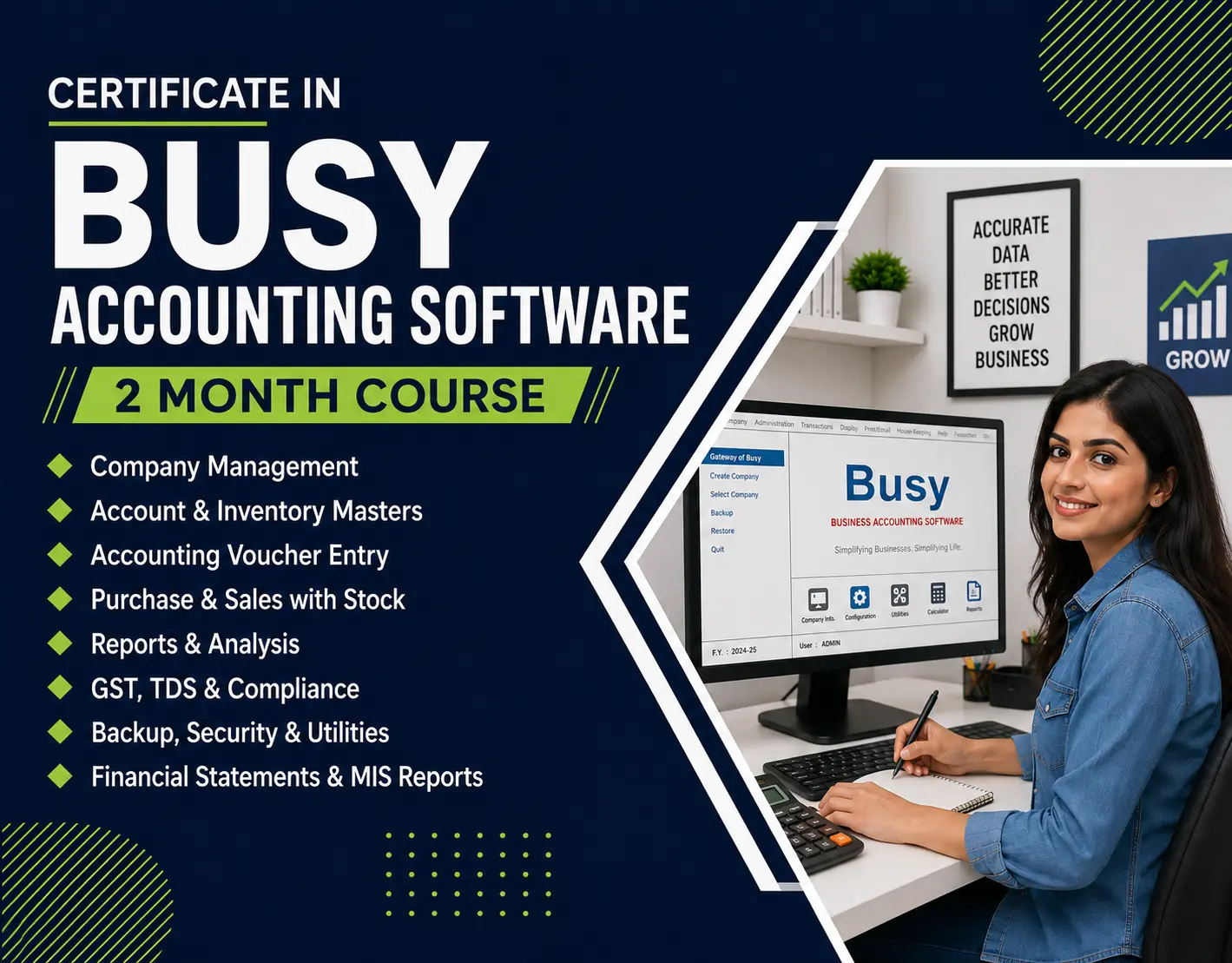
TALLY


  • Basics of accounting
  • features of Tally Prime
  • Introduction to Tally Prime
  • Creating a Company
  • Selecting / shutting / Altering/ Deletion a Company
  • Company Creation - Practical
  • Setting up Accounts head
  • Introduction to goods and services tax ( GST )
  • Example of manual accounting for simple trading accounting without GST journal entries
  • Altering a Company's features and configuration
  • accounting Master Creation
  • ledger Alteration / craetion of a single Ledger for practical example
  • Viewing opening Trial Balance
  • Data entry in tally
  • trial balance in tally
  • Printing Trial balance in tally
  • Statement of sundry creditors and sundry debtors
  • Balance sheet
  • finalisation of Accounts
  • Backup
  • Restore
  • Split company Data
  • Ledger crfeation for A/CS related to GST
  • Bill wise details
  • Voucher entry with GST
  • Printing sales invoice with GST
  • Generating & Printing Reports


ARTIFICIAL INTELLIGENCE

Course Fees

Course Fees
:
₹18000/-
Discounted Fees
:
₹ 12000/-
Course Duration
:
6 Months

Review

0.0
Course Rating (0 reviews)
0%
0%
0%
0%
0%


Call
Text Message
Review
Email
CHAT